One sentence
Aida Daily Planner is a private, native planner for iPhone and iPad that brings tasks, calendar events, and time blocks into one clear agenda.
Product facts, ready-to-use descriptions, app icons, screenshots, and a direct line for questions about Aida Daily Planner.
No signup required · Updated August 5, 2026
At a glance
About the app
Use the version that fits your format. Each description is approved, consistent, and ready to paste.
One sentence
Aida Daily Planner is a private, native planner for iPhone and iPad that brings tasks, calendar events, and time blocks into one clear agenda.
Short description
Aida Daily Planner brings tasks, calendar events, and time blocks together in one clear agenda, so people can see what matters now and reshape a busy day in seconds. Planner Mode shows the day chronologically, while Project Mode keeps Inbox, Anytime, Someday, and custom projects organized. Built natively for iPhone and iPad, Aida works offline, offers optional iCloud sync, and does not collect user data.
Full description
Most planning tools make people choose between a to-do list and a calendar. Aida Daily Planner brings both together, placing tasks, calendar events, and time blocks on one daily timeline so the shape of the day is always visible.
Planner Mode is designed for deciding what happens now and when. Project Mode is designed for organizing longer-running work, with GTD-inspired Inbox, Anytime, and Someday lists plus custom projects. Quick capture, calendar integration, batch actions, rich item notes, widgets, and fast replanning help users move from intention to a realistic schedule without stitching together multiple apps.
Aida is built natively with SwiftUI for iPhone and iPad. Planning data stays on the user's device, optional iCloud sync is handled through Apple CloudKit, and the app's App Store privacy label states that no data is collected. Aida is free to download, with Aida Pro available through in-app purchase.
What makes Aida different
Aida is designed around the reality that work lives in both time and context.
01
Tasks, calendar events, and time blocks share one chronological daily view.
02
Move work, reschedule items, and reshape a busy day in seconds.
03
Use Planner Mode for today and Project Mode for longer-running work.
04
Works offline, supports optional iCloud sync, and does not collect user data.
Aida treats scheduled tasks, flexible actions, calendar events, and time blocks as equal parts of one realistic day.
Core planning works locally and offline, while optional sync stays inside Apple's iCloud ecosystem.
The product grew from years of building and teaching productivity software, then using that experience to simplify everyday planning.
Product imagery
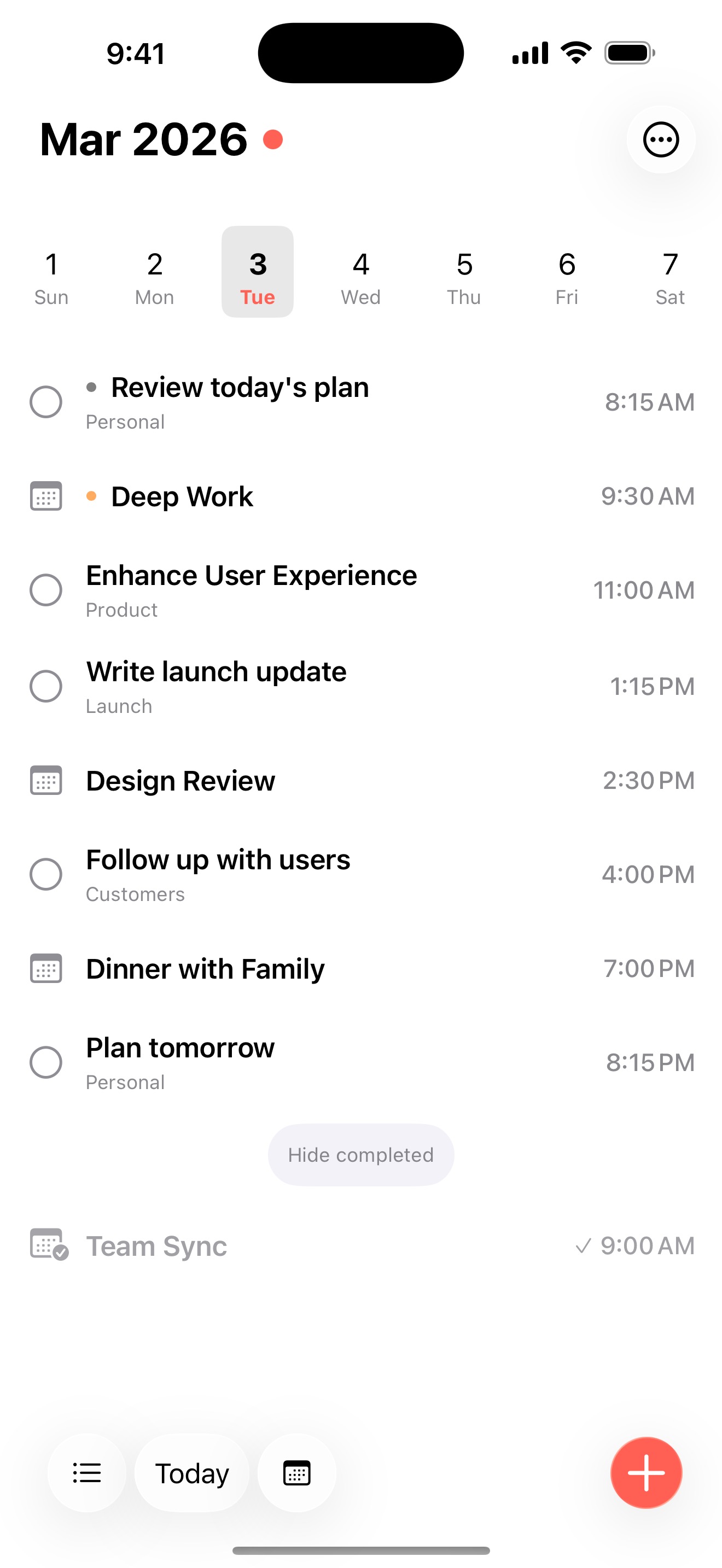
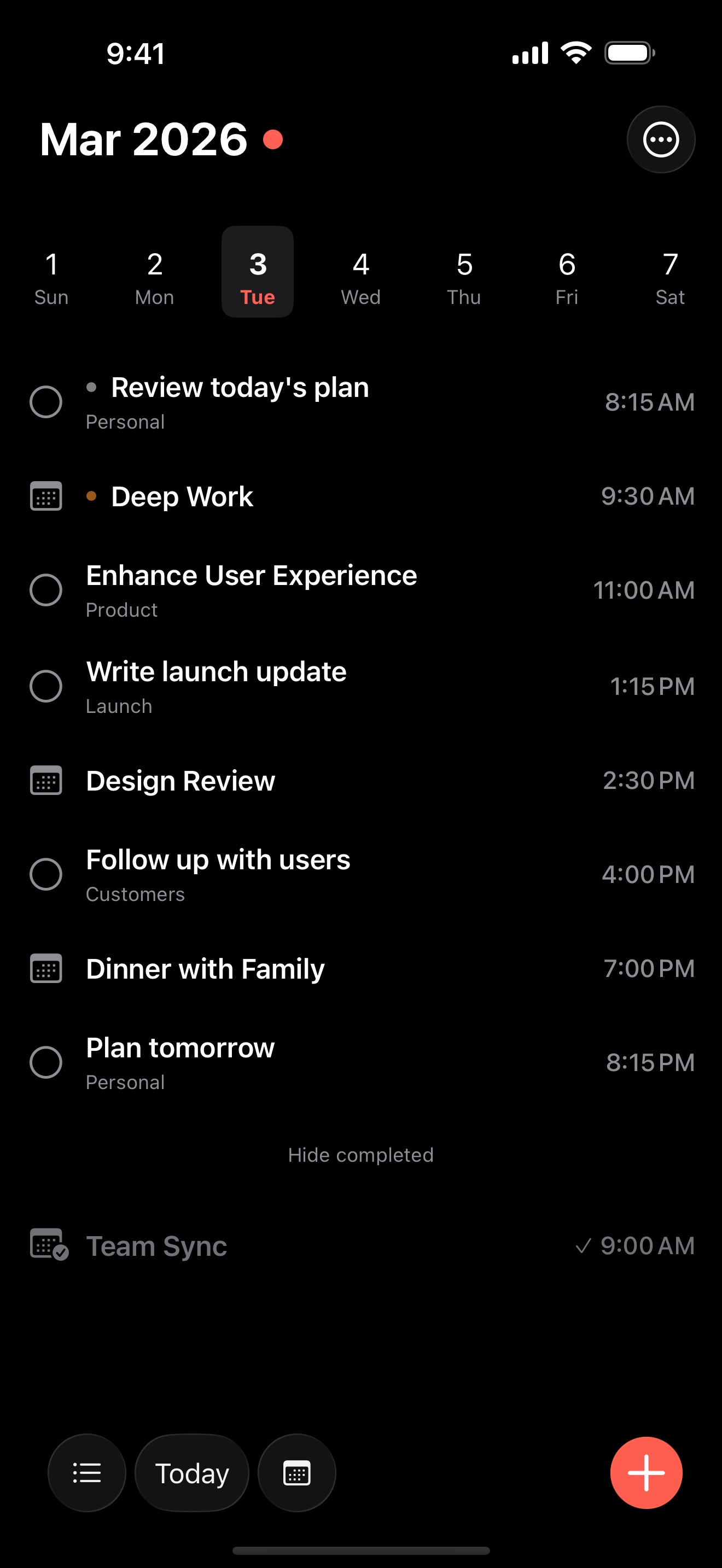
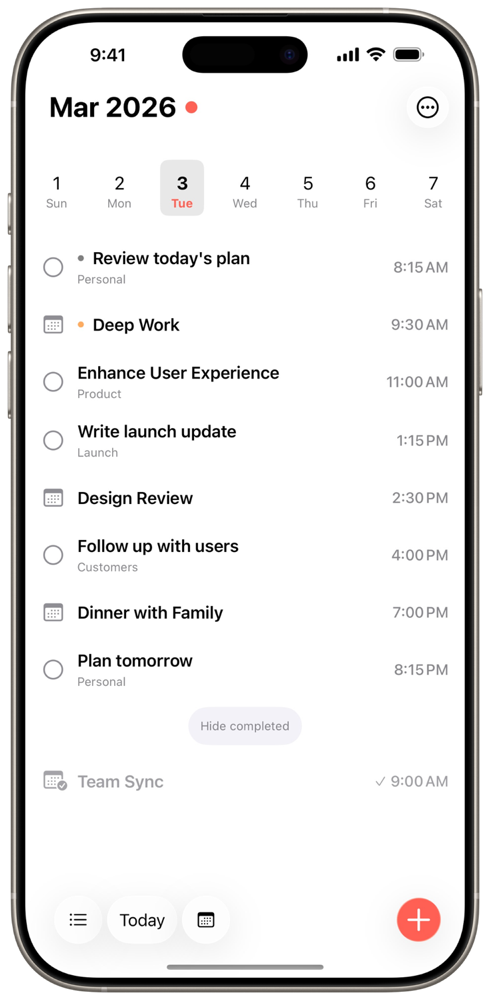
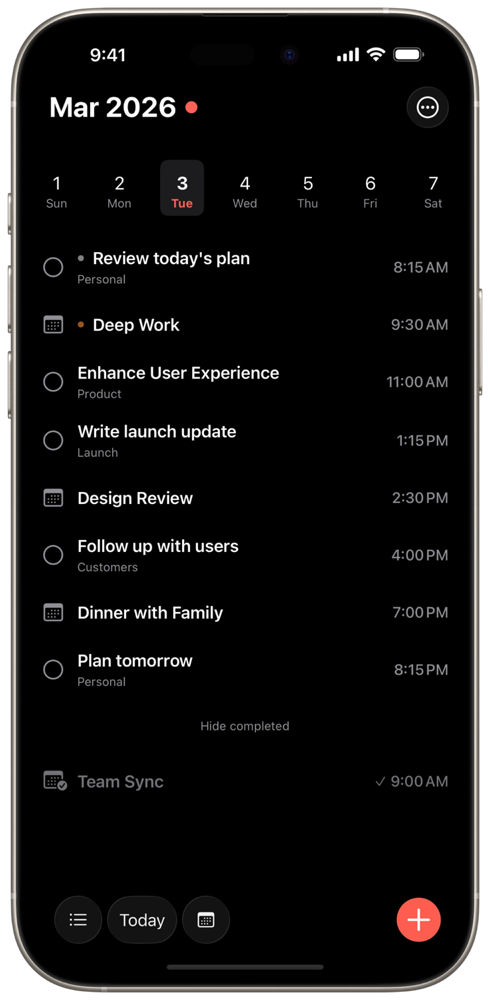
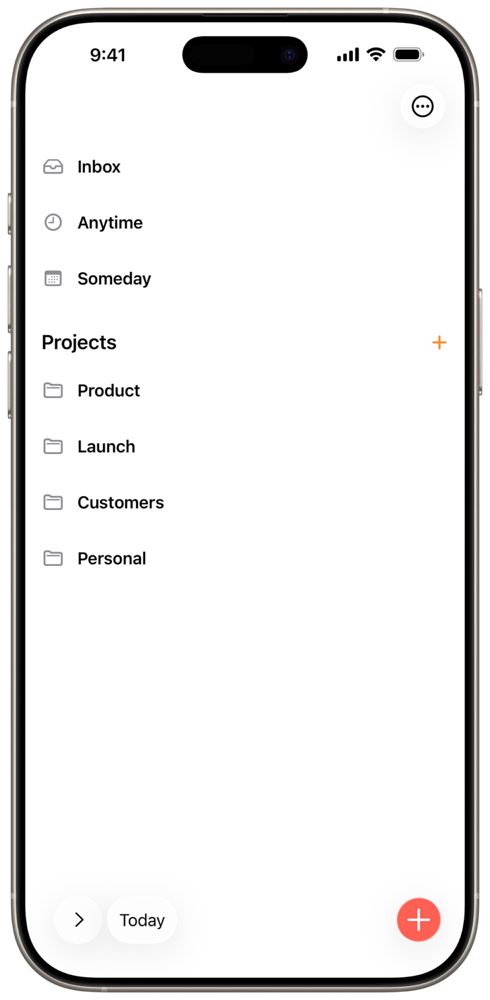
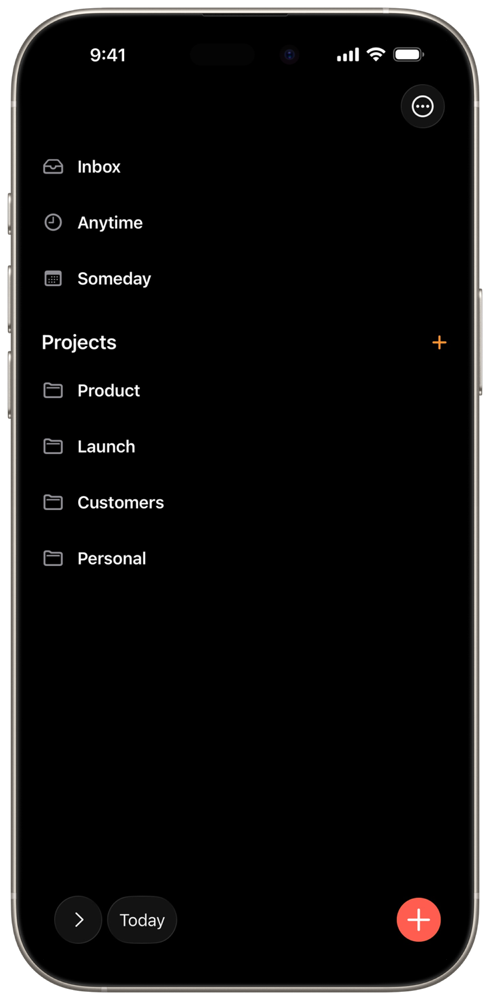
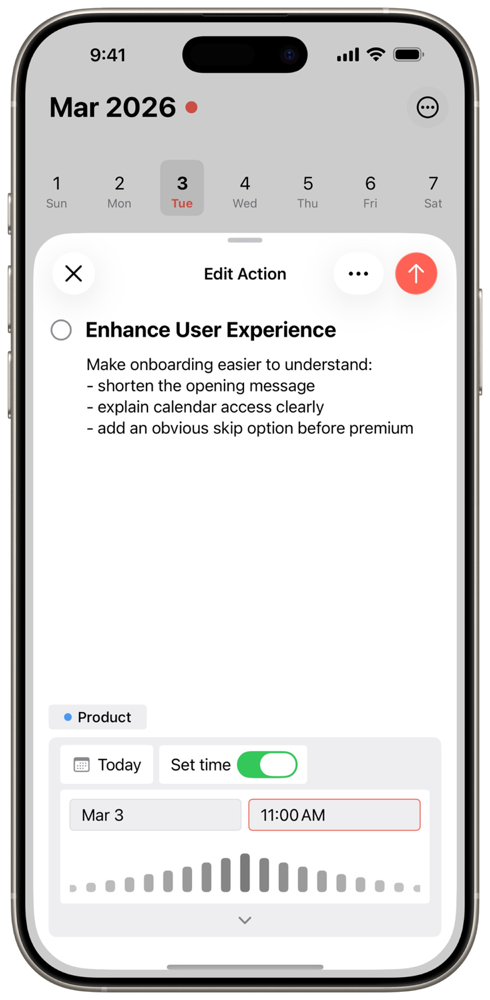
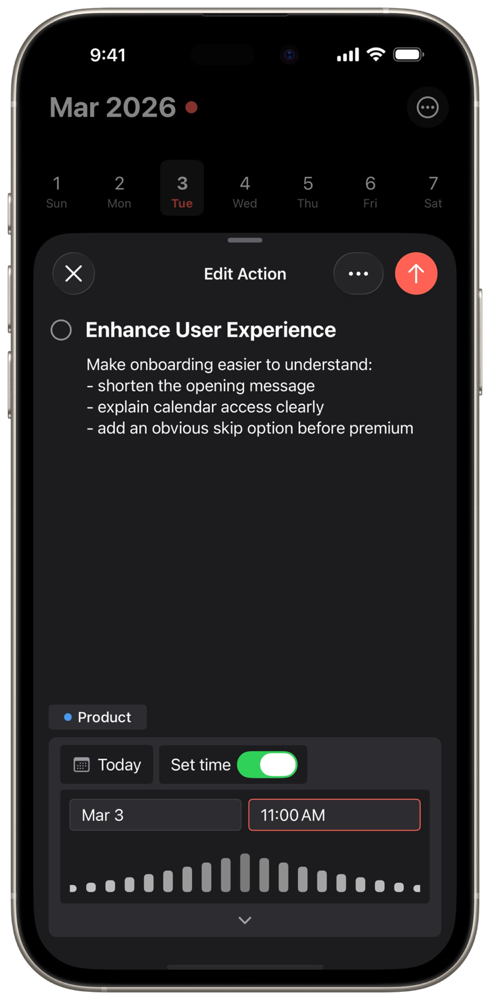
Choose unframed high-resolution captures or transparent framed renders in light and dark appearances.
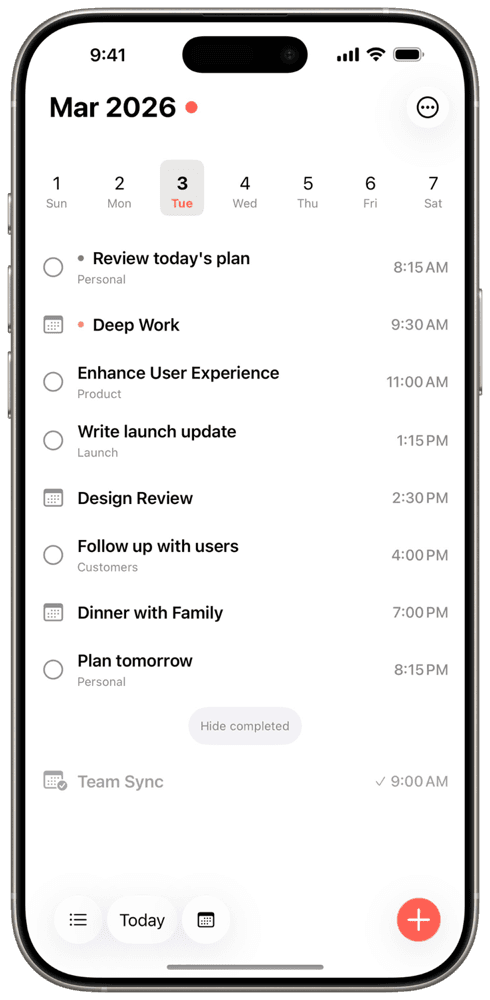
Tasks, events, and time blocks together on the daily timeline.
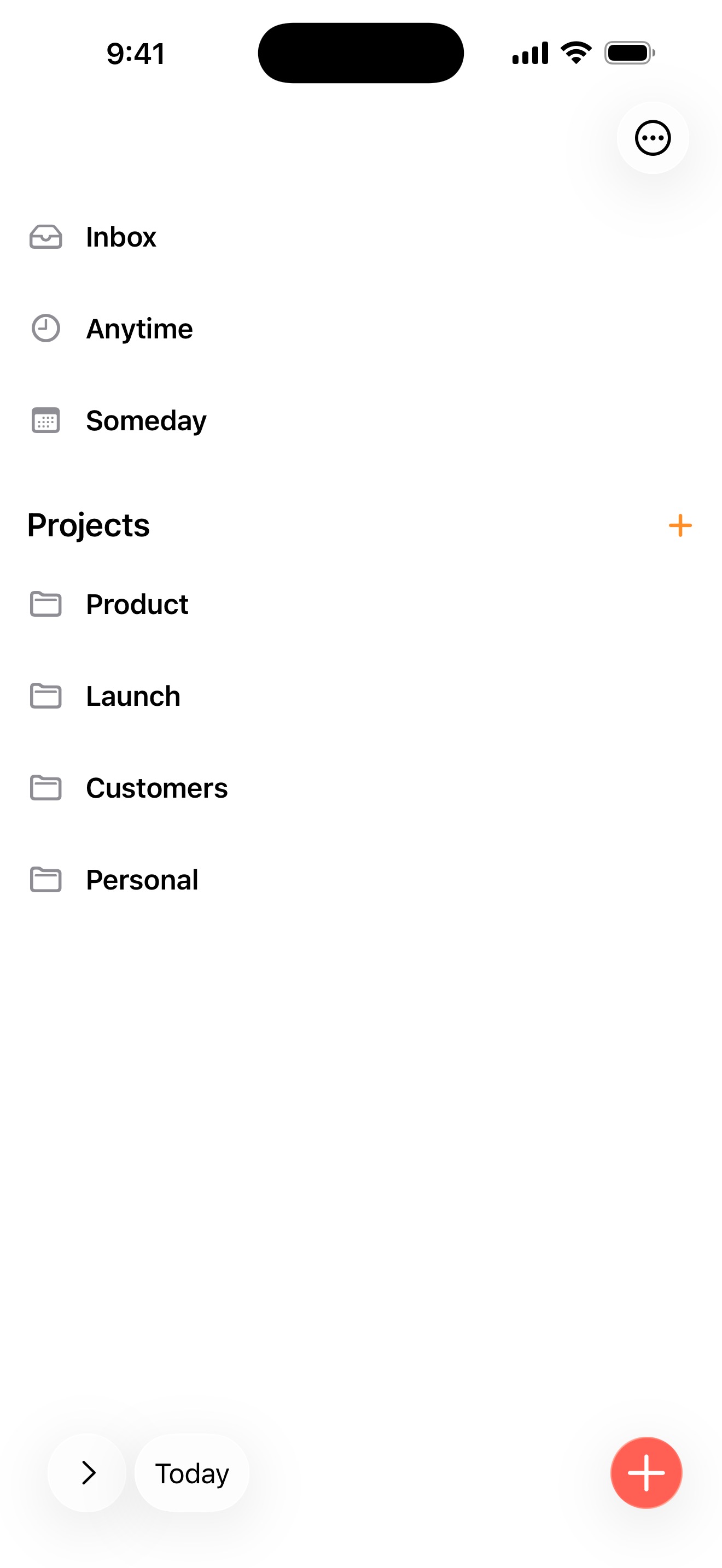
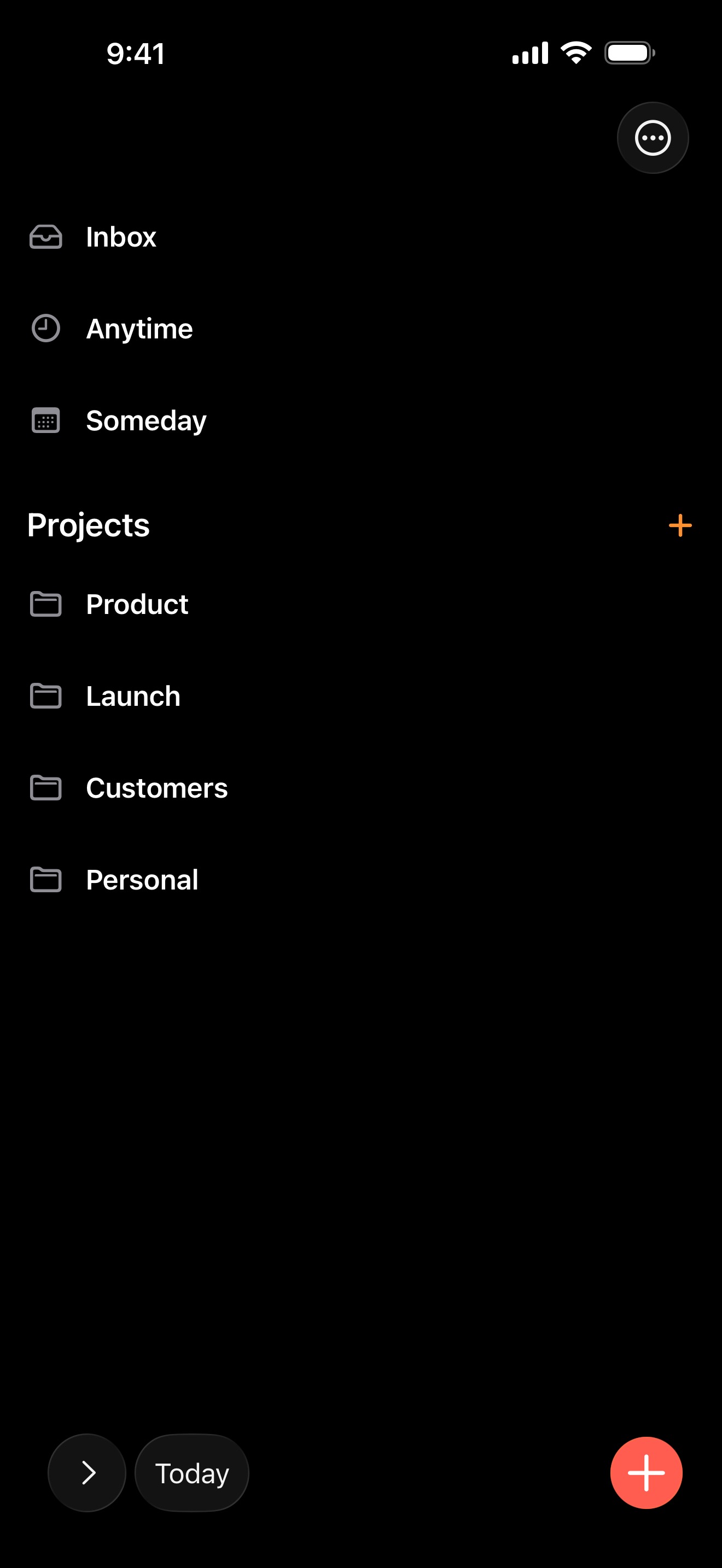
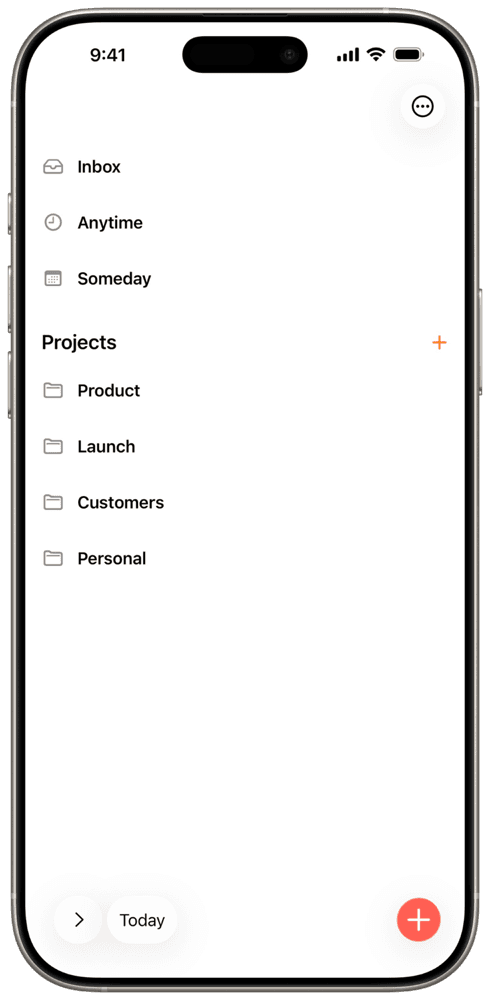
Inbox, Anytime, Someday, and custom projects organized by context.
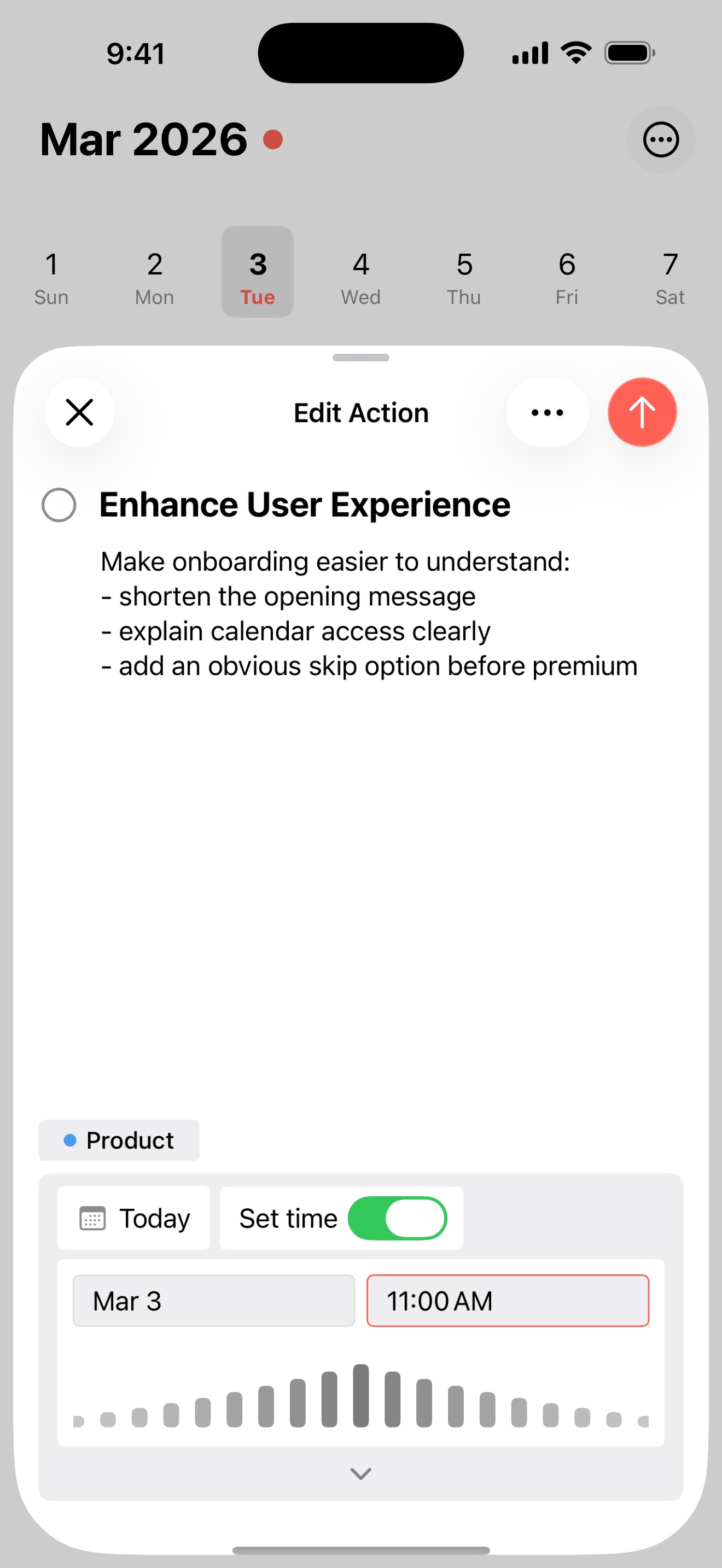
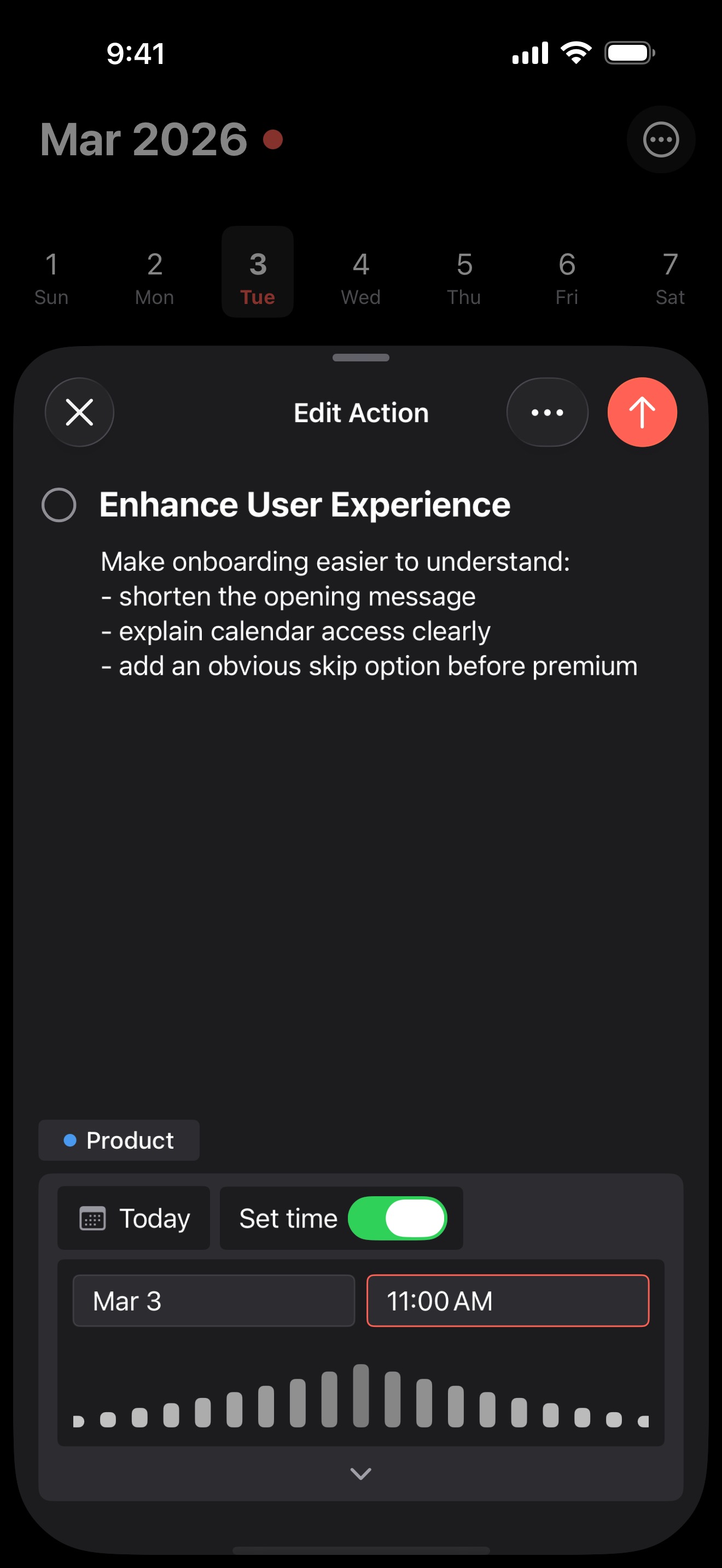
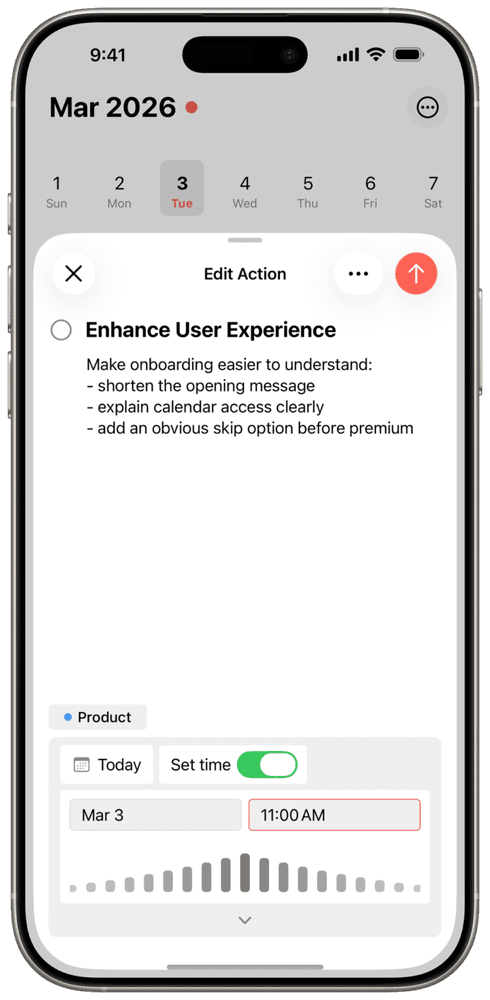
Edit notes, project, date, and time without losing the planner context.
Brand assets
Use the light or dark icon as supplied. PNG files are 1024 × 1024; SVG files scale cleanly for larger layouts.

Use Aida Daily Planner in English editorial copy. App Store names may be localized.
The maker
Harry Ng is the independent developer behind Aida Daily Planner and Build with Harry. After years building and teaching productivity apps, he created the planner he wanted for himself: one clear view for tasks, calendar events, and time blocks. He also runs AI Coding Club, where he shares practical ways to build with AI.
“After years building productivity apps, I still wanted a simpler way to plan today. Aida is the planner I wanted for myself: one clear view for tasks, calendar events, and time blocks.”

Harry Ng
Independent developer, Build with Harry
Press contact
Send your publication, deadline, and request. We’ll get the right material to you as quickly as possible.